Gemini for Windows review: fast desktop access with a shortcut fight to settle
Gemini for Windows is a fast desktop shortcut for Google's AI, but Copilot conflicts and missing native features limit its appeal.


Google's Gemini desktop app for Windows is less a new AI brain than a new doorway. That matters. The September 11 Workspace release makes Gemini available as a native app for Windows 10 and 11, with Alt + Space bringing the assistant over whatever you are doing. For people who already use Gemini in a browser, Gmail, Drive, image generation, or Workspace workflows, the value is immediate: fewer tabs, less context switching, and a faster path from a half-written document or presentation idea to an AI prompt.
As a source-based review, the app earns credit for solving a real friction point rather than pretending to reinvent desktop AI. Google says the Windows app can draft, fact-check, summarize from Google apps, create images with Nano Banana, and hand eligible multi-step work to Gemini Spark. TechRadar's early use backs up the main usability claim: the shortcut makes Gemini quicker to reach than the web app and can become the default way to call up Google's assistant on a PC.
Where It Beats A Browser Tab
The strongest case for Gemini on Windows is workflow speed. Browser-based AI tools are powerful, but they are also easy to lose among tabs, profiles, and pinned workspaces. A system-wide keyboard shortcut makes Gemini feel closer to a launcher or command palette. That is especially useful for students, writers, analysts, and Workspace users who want a quick rewrite, title brainstorm, summary, or cross-app query without opening a new browser session.
The second advantage is ecosystem depth. Copilot has the home-field advantage on Windows, but Gemini's value depends on Google data gravity: Gmail, Drive, Docs-adjacent work, and Google's newer media tools. If your work already lives in Google Workspace, Gemini's desktop app is a cleaner bridge than bouncing between browser tabs.
The Trade-Offs
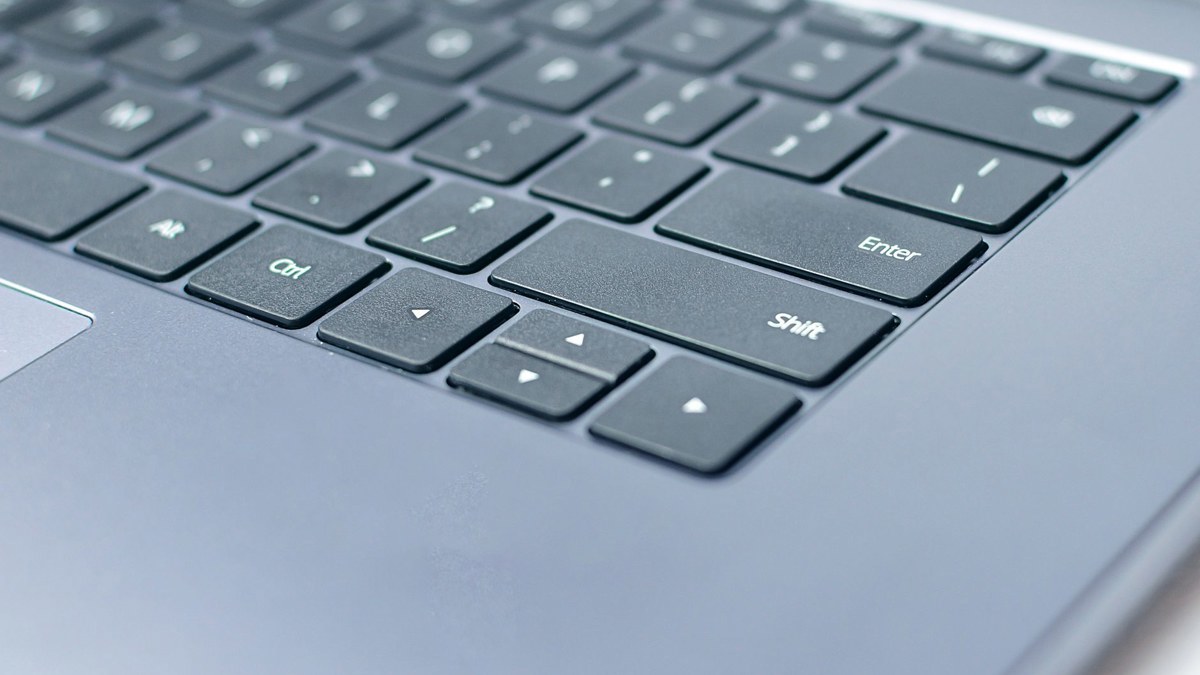
The catch is that Google's shortcut choice is crowded. Windows Central notes that Alt + Space already overlaps with Copilot behavior and PowerToys Run, and TechRadar points out that Windows traditionally uses the same keys for the active window menu. Power users may need to remap something, which weakens the app's biggest selling point. A desktop assistant should feel ambient; shortcut arbitration makes it feel like another tool demanding territory.
The other limitation is maturity. Google says more native capabilities are coming, while Windows Central notes that the macOS app already has deeper native functions such as screen sharing and dictation. TechRadar also flags two practical annoyances: the Windows app lacks the Gemini Live voice experience available on mobile, and its visible location display can create privacy discomfort in screenshots or shared screens. Those issues do not ruin the app, but they keep it from feeling fully desktop-native.
Gemini Versus Copilot
Compared with Microsoft Copilot, Gemini for Windows is best judged by where your data and habits already sit. Copilot is the more natural default for Windows and Microsoft 365 users. Gemini is more compelling for people who live in Gmail and Drive, prefer Google's model behavior, or want quick access to Google's image and video tools from the desktop. Neither app is a universal winner; the practical decision is ecosystem first, shortcut tolerance second.
- Choose it if Gemini is already your preferred assistant and your daily files, mail, or creative tools are tied to Google.
- Skip it if Alt + Space is essential to your Windows setup or you need mature voice and screen-aware desktop features today.
Verdict: Gemini for Windows is a useful, low-friction upgrade for Google's AI ecosystem, but it feels like a strong first desktop step rather than a finished Copilot replacement.
Sources
Cover photo by Василь Вовк on Pexels, used under the Pexels License.
Verdict
Choose Gemini for Windows if your work already lives in Google's AI and Workspace stack; skip it if Alt + Space conflicts or you need richer native desktop voice features.
Pros
- Alt + Space makes Gemini much faster to summon than a browser tab.
- Works across Windows 10 and 11 for personal and Workspace accounts.
- Strong fit for Gmail, Drive, image generation, and Google AI users.
- Independent early use found the shortcut genuinely convenient.
Cons
- Alt + Space collides with existing Windows, Copilot, and PowerToys habits.
- Windows version still trails macOS in some native desktop capabilities.
- No Gemini Live voice experience in the Windows app at launch.
- Visible location display may be awkward for screenshots or screen sharing.
Key Specs



Comments (0)
Leave a Comment